 CygNet Console provides a method for you to remotely view details about a service screen. This is useful for troubleshooting issues without having to be on the host server.
CygNet Console provides a method for you to remotely view details about a service screen. This is useful for troubleshooting issues without having to be on the host server.
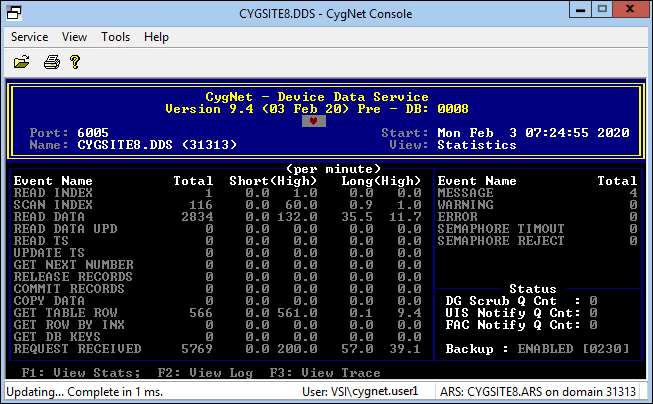
CygNet Console is a Windows-based application. CygNet service screens are console windows. As such, the console is shown in the Window. Use the function keys listed at the bottom of the service screen to navigate between service screen views.
|
| CygNet Console showing the CYGSITE1.DDS screen |
Use the GetConsoleData function in any service-specific COM API (CxAcs, CxAud, CxCas, CxCvs, CxDds, CxEls, CxFac, CxFms, CxGns, CxNote, CxPnt, CxUis, and CxVhs) to retrieve console text and display attributes.
To address questions or circumstances beyond the scope of the CygNet Help, Additional CygNet Resources are available.
More:
 Configuring CygNet Console Options
|
|
|

